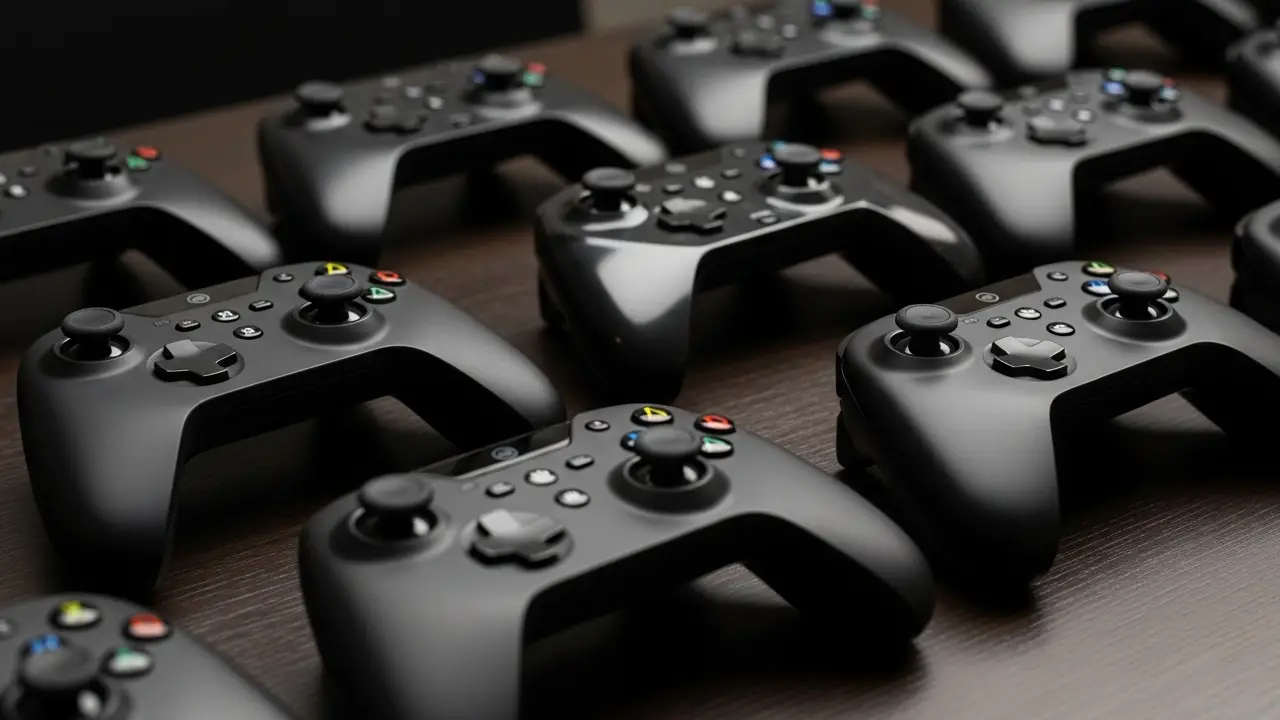
Steam controllers have played a unique role in the evolution of PC gaming accessories. Designed to bridge the gap between traditional console controllers and the flexibility of keyboard and mouse setups, these controllers offer a different approach to gameplay. Whether you are a casual gamer or someone exploring advanced customization, understanding how Steam controllers work can help you make a more informed decision.
In this detailed guide, we will explore the design, features, advantages, limitations, and current relevance of Steam controllers in modern gaming. This article is written to provide clear, practical insights without exaggeration, helping readers understand what to expect.
What Are Steam Controllers?
Steam controllers are gaming input devices developed to work seamlessly with the Steam platform. Unlike standard controllers, they are designed with advanced customization options that allow users to map controls according to their preferences.

The most notable feature is the use of dual trackpads instead of traditional analog sticks. This design allows for precise movement and camera control, especially in games that are typically optimized for keyboard and mouse.
Key Features of Steam Controllers
Steam controllers introduced several innovative features that differentiate them from standard gaming controllers. These features focus on flexibility, customization, and compatibility.
Dual Trackpads: These replace analog sticks and allow mouse-like precision.
Haptic Feedback: Provides tactile responses to improve gameplay immersion.
Full Customization: Every button can be remapped through Steam settings.
Gyroscopic Controls: Allows motion-based aiming in supported games.
Wide Game Compatibility: Works with most PC games, even those not designed for controllers.
How Steam Controllers Improve Gaming Experience
One of the main advantages of Steam controllers is their adaptability. Players can create custom profiles for different games, making it easier to switch between genres without adjusting to new controls each time.
For example, in strategy or simulation games where precise cursor movement is essential, the trackpads function similarly to a mouse. In action or racing games, users can configure settings to mimic traditional controller layouts.
Compatibility With Modern Games
Steam controllers are designed to work with the Steam ecosystem, but their functionality extends beyond it. Through configuration settings, users can make them compatible with non-Steam games as well.
However, compatibility may vary depending on the game and its control requirements. Some modern titles offer native controller support, while others may require manual configuration for optimal performance.
Advantages of Using Steam Controllers
There are several benefits to using Steam controllers, particularly for PC gamers who want more control over their setup.
Highly Customizable: Users can adjust sensitivity, button mapping, and layouts.
Versatile Design: Suitable for multiple game genres.
Enhanced Precision: Trackpads offer accurate aiming and navigation.
Community Configurations: Access to shared profiles created by other players.
Limitations You Should Consider
While Steam controllers offer flexibility, they are not without drawbacks. Understanding these limitations is important before deciding to use one.

Learning Curve: New users may take time to adapt to trackpads.
Availability: Original models are no longer widely produced.
Not Ideal for Everyone: Some players prefer traditional analog sticks.
Setup Time: Custom configurations may require effort initially.
Steam Controller vs Traditional Controllers
Comparing Steam controllers with standard controllers like those used for consoles reveals clear differences in design and functionality.
Traditional controllers focus on simplicity and plug-and-play usability, making them ideal for beginners. Steam controllers, on the other hand, prioritize customization and flexibility, which appeals more to advanced users.
For players who enjoy experimenting with control schemes and fine-tuning gameplay, Steam controllers can offer a more tailored experience.
Are Steam Controllers Still Relevant Today?
Even though newer controllers have entered the market, Steam controllers still hold value for certain users. Their unique design and customization features make them appealing for specific gaming styles.
Additionally, Steam’s continued support for controller configuration ensures that existing users can still benefit from updates and community profiles.
Tips for Getting the Best Performance
To fully utilize Steam controllers, it is important to spend time configuring settings according to your preferences.
Start by exploring community configurations for your favorite games. Adjust sensitivity levels gradually and experiment with different layouts. Using gyro controls for aiming can also improve accuracy once you become comfortable with it.
Specifications of Steam Controllers
| Feature | Details |
|---|---|
| Connectivity | Wireless (USB receiver) and Bluetooth |
| Input Type | Dual trackpads, triggers, buttons |
| Haptic Feedback | Yes |
| Motion Control | Gyroscope-based |
| Battery | AA batteries |
| Platform Support | PC (Steam), limited non-Steam support |
Final Thoughts
Steam controllers represent a unique approach to gaming controls, focusing on flexibility and precision rather than traditional design. While they may not replace standard controllers for everyone, they offer a valuable alternative for players who want more control over their gaming experience.
By understanding their features, strengths, and limitations, you can decide whether a Steam controller fits your gaming needs. For those willing to invest time in customization, it can provide a highly personalized and efficient way to play PC games.